3 Months
$25 / 3 months
$0.28/day
- 35,000+ international TV channels
- 179,000+ movies & series on demand
- SD/HD/FHD/4K/UHD quality
- Anti-buffer server setup
- See All Features
Watch live TV, major sports, movies, series, and VOD with TVNado on Smart TVs, Firestick, Android TV, mobile devices, and compatible IPTV apps. Setup is simple, and WhatsApp support is available when you need help choosing a plan or preparing a device.
Cheap IPTV can cost less until it fails. TVNado’s 12-month plan at $59 focuses on stable value, support, and the full streaming experience.
A continuous icon gallery shows the device and app ecosystem around TVNado streaming.























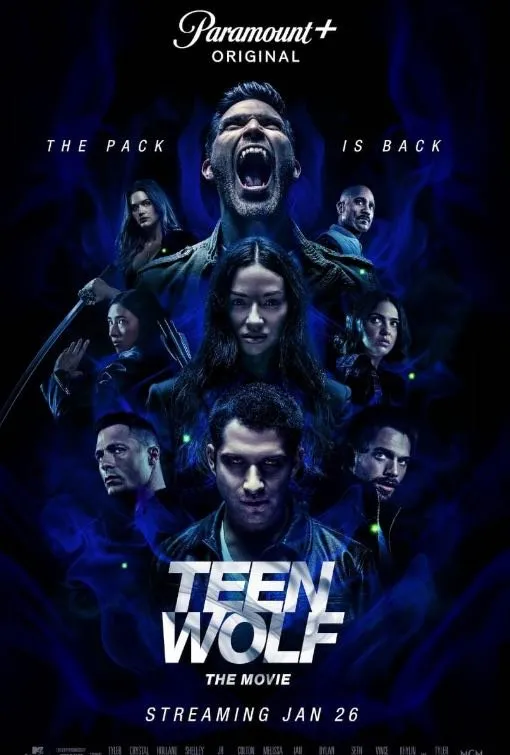
Movie-style poster cards keep the VOD section visual while preserving a mobile-first layout.









The sports section uses a dark layout and one coherent local image set for event-style browsing.











Preview screenshots help visitors understand the type of browsing experience they can expect.
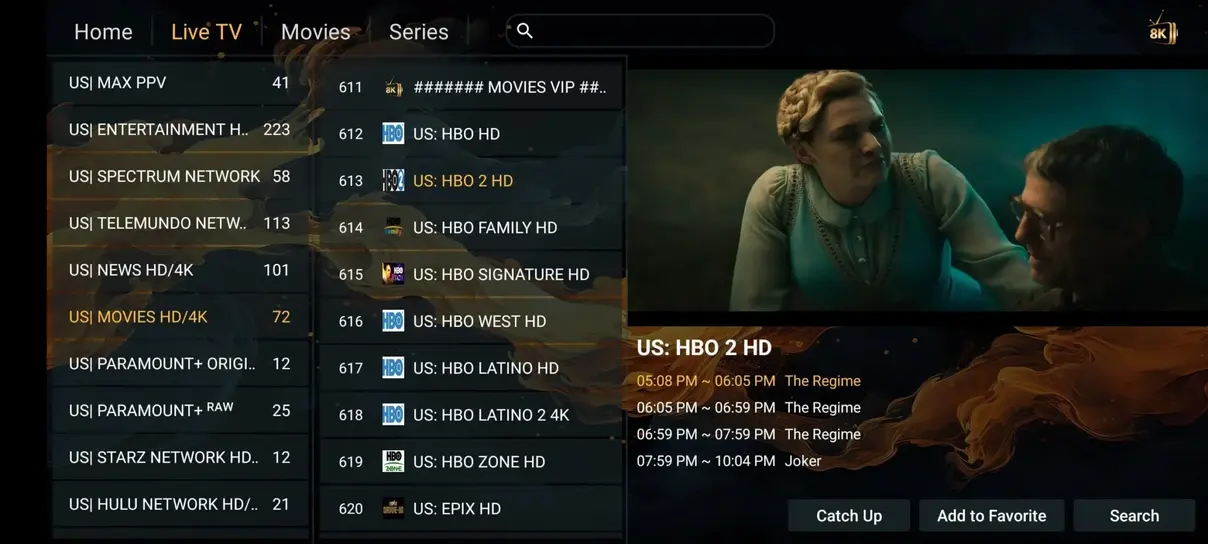
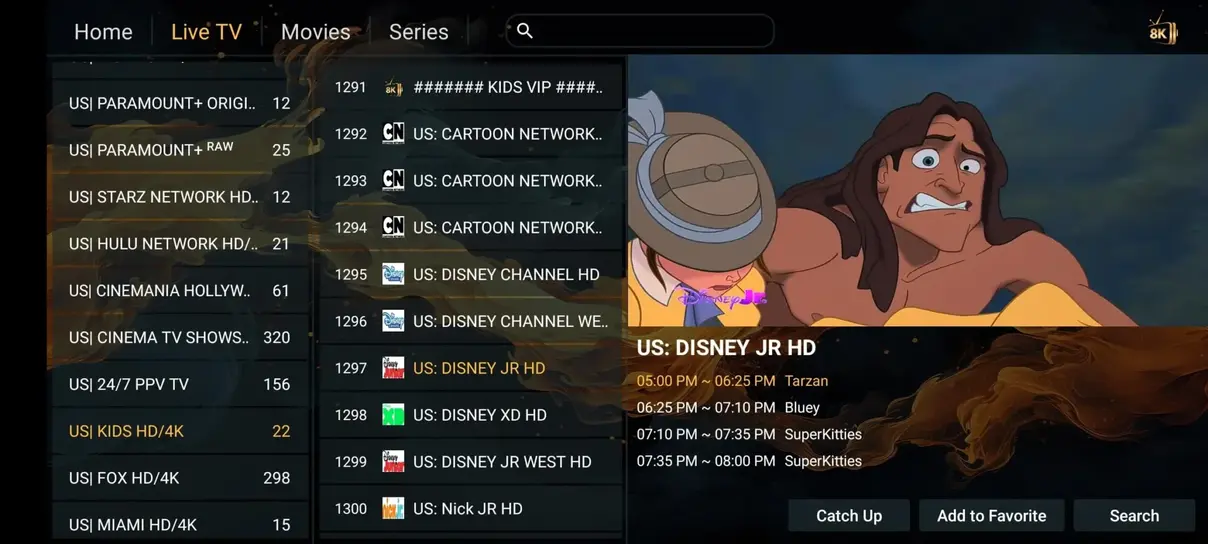
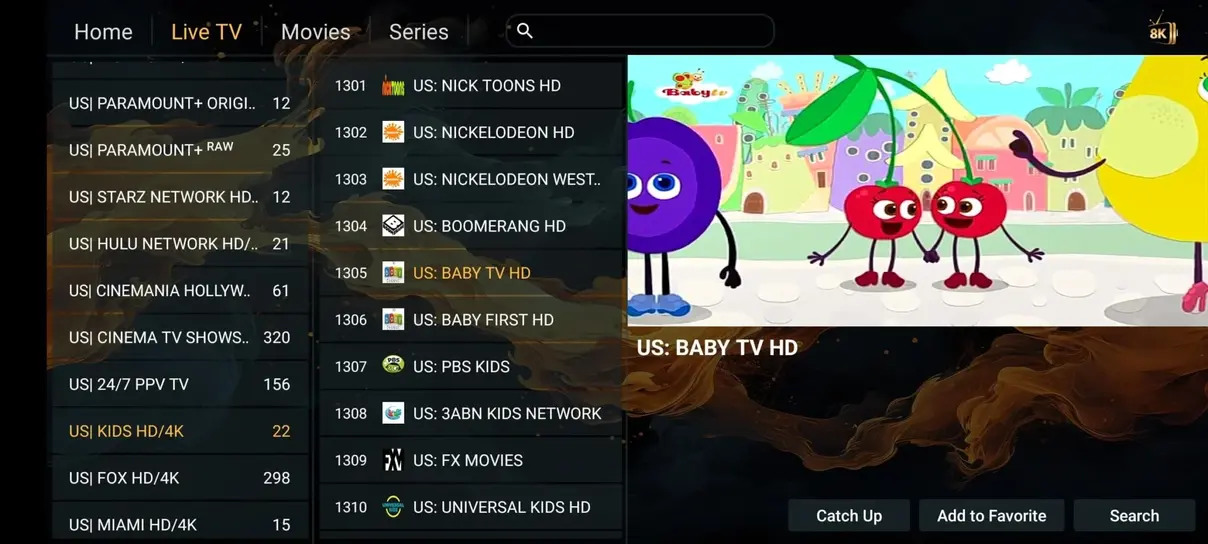
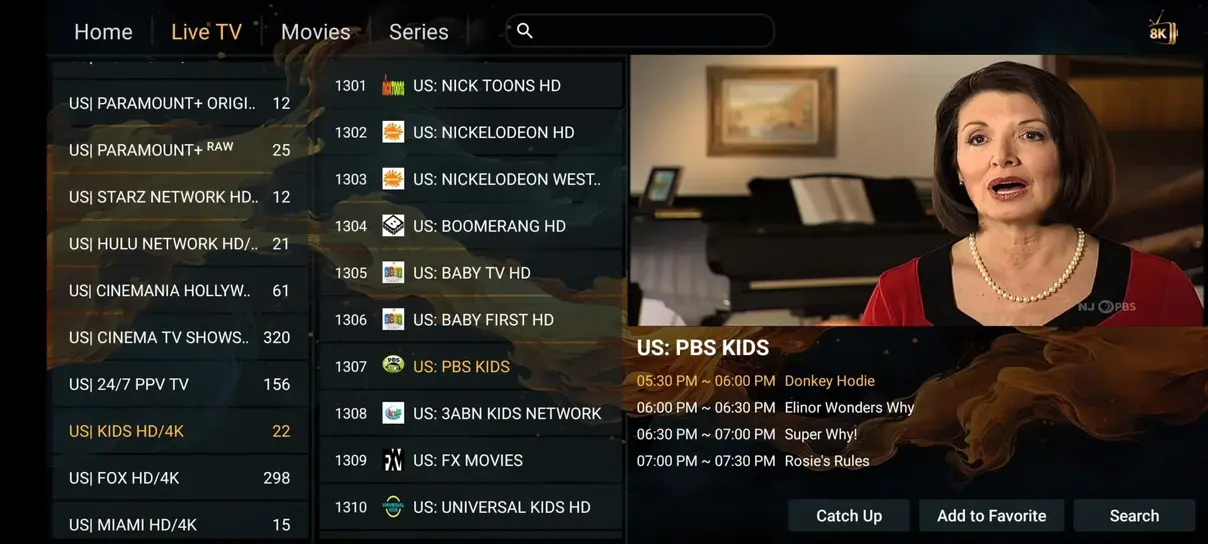
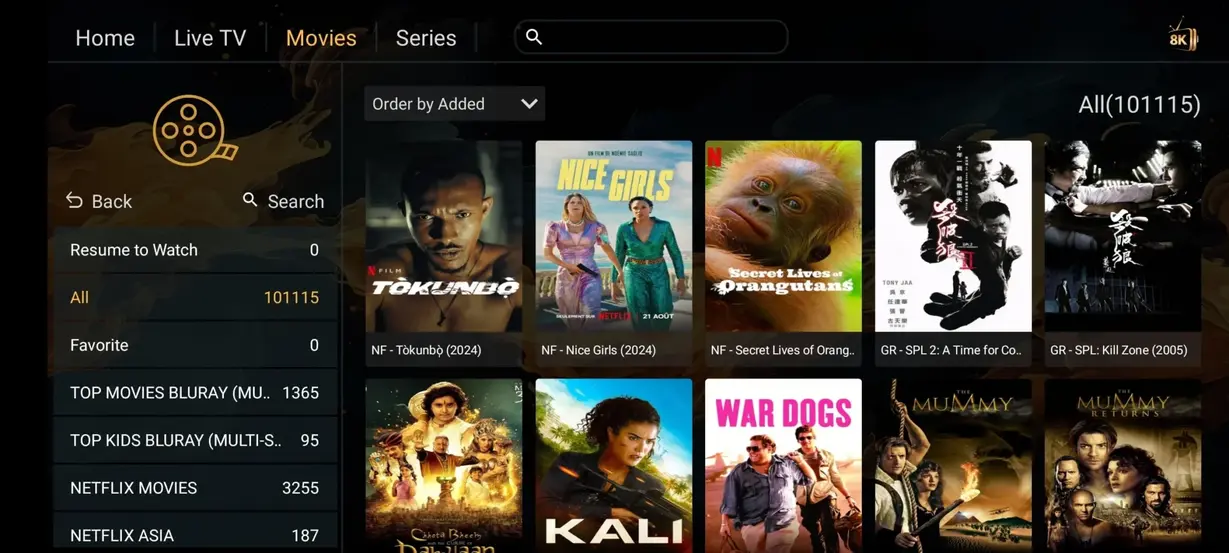
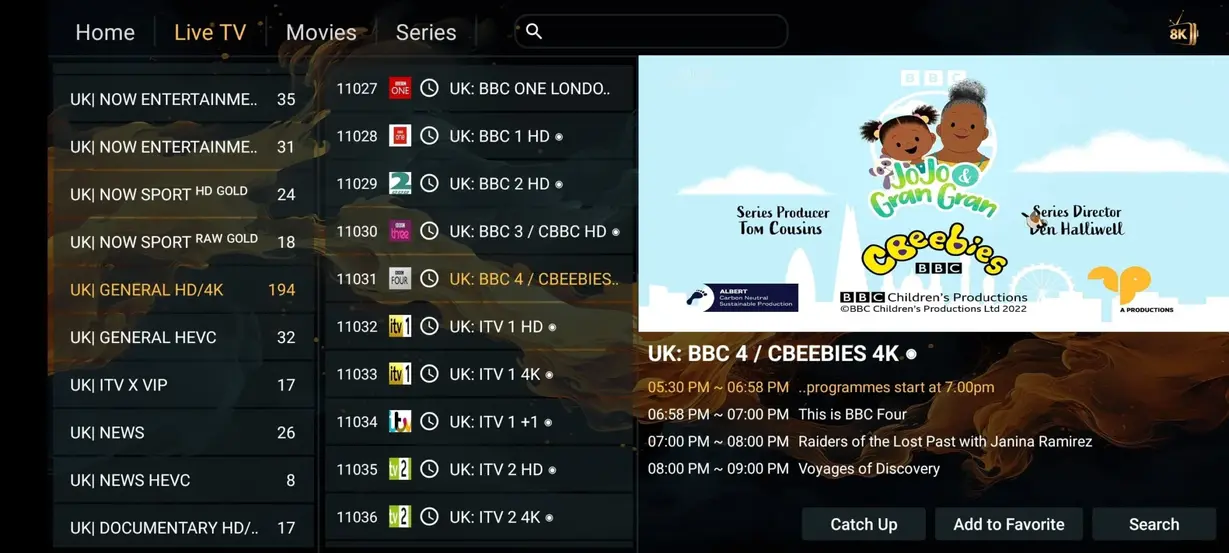
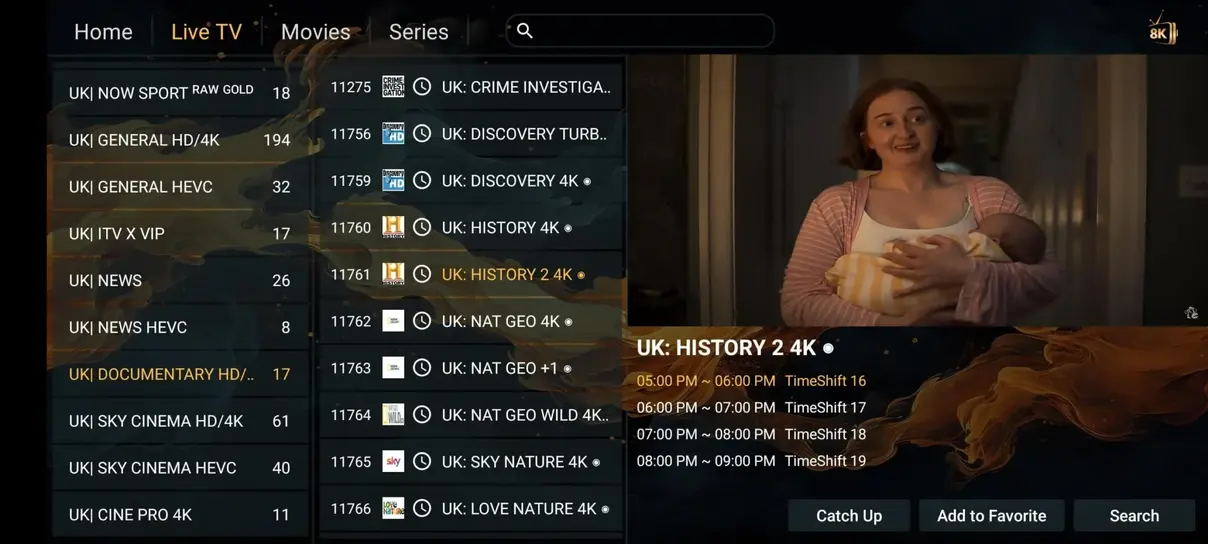
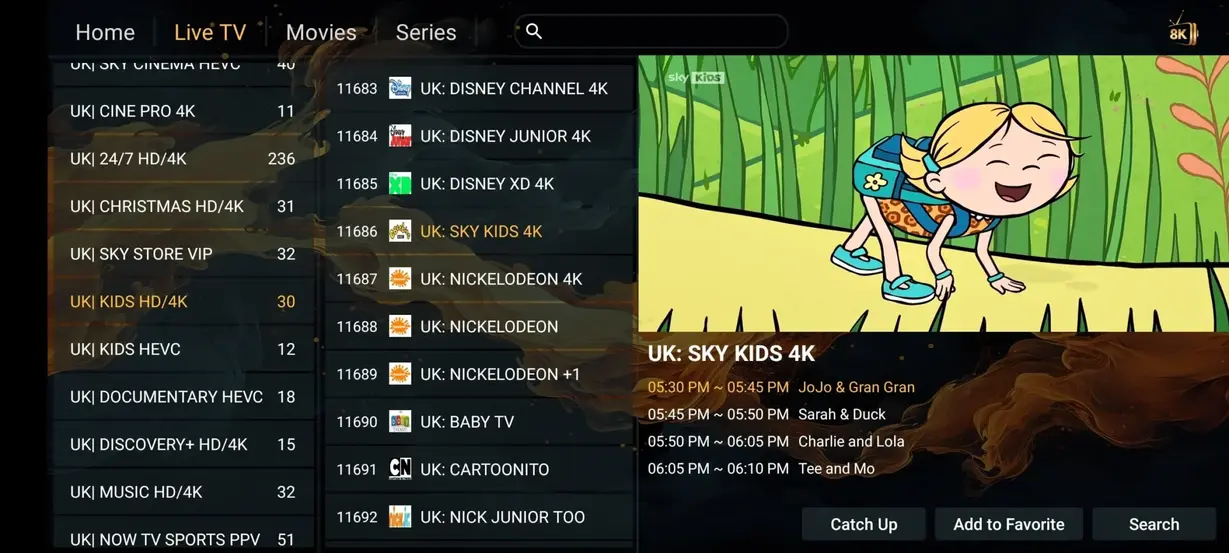
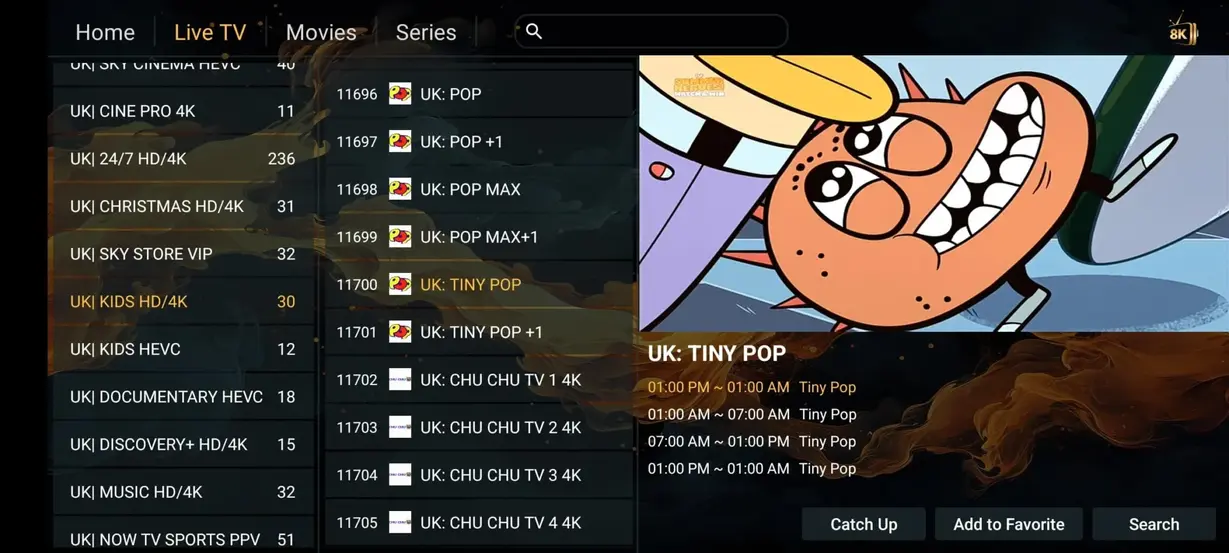
This demo shows how a premium IPTV app dashboard can organize Live TV, Movies, Series, and Radios after activation.


See how TVNado compares with traditional TV providers and expensive cable subscriptions.
| Feature | TVNado | Cable/Satellite |
|---|---|---|
| Annual Cost | $59/year | $1,200+/year |
| Live Channels | 41,821+ | 200-500 |
| Movies & Series | 177,000+ | Pay extra |
| Adult Channels | Included where applicable | Not available |
| 24/7 Channels | 1,000+ | None |
| All Sports Included | Included | Not included |
| No Contracts | Yes | No |
| Watch Anywhere | Yes | Limited |
Choose by duration, per-day value, and the number of screens your household needs.
$25 / 3 months
$0.28/day
$59 / 12 months
$0.16/day
$39 / 6 months
$0.22/day
$12 / 1 month
$0.40/day

Use TVNado on more than one screen when your household needs flexible viewing in different rooms or locations.
$59 total
Designed for 2-screen subscription for 6 months with plan details confirmed through WhatsApp.
Order Plan$99 total
Designed for 2-screen subscription for 12 months with plan details confirmed through WhatsApp.
Order PlanCustom
Designed for multiple-screen plan with plan details confirmed through WhatsApp.
Ask SupportMost customers can prepare a compatible IPTV app quickly, then ask support if a device menu looks different.
Download and install HOT Player or another compatible IPTV player on your Smart TV, Firestick, Android TV, mobile device, or computer.
Open the app and enter the activation information supplied for your subscription, such as Xtream Codes, M3U, or other supported details.
Refresh the playlist, load the available channels and on-demand categories, then start streaming on your chosen device.
Device cards show the common screens where customers use TVNado at home or while traveling.




Example customer-style feedback shows common TVNado use cases: sports, movies, multilingual channels, Smart TV setup, Firestick setup, and WhatsApp support. Rating summary: 4.9 / 5 based on 243 project reviews.
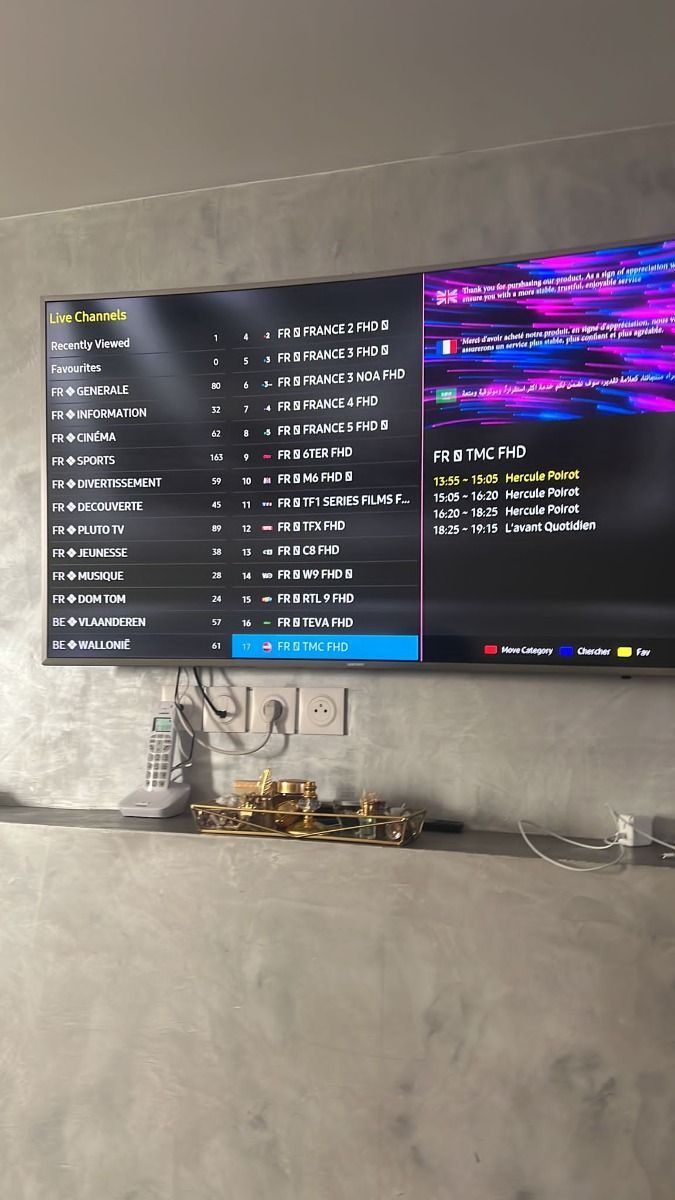
TVNado was easy to set up on my Firestick. I liked that the plan message on WhatsApp already said exactly which subscription I wanted.
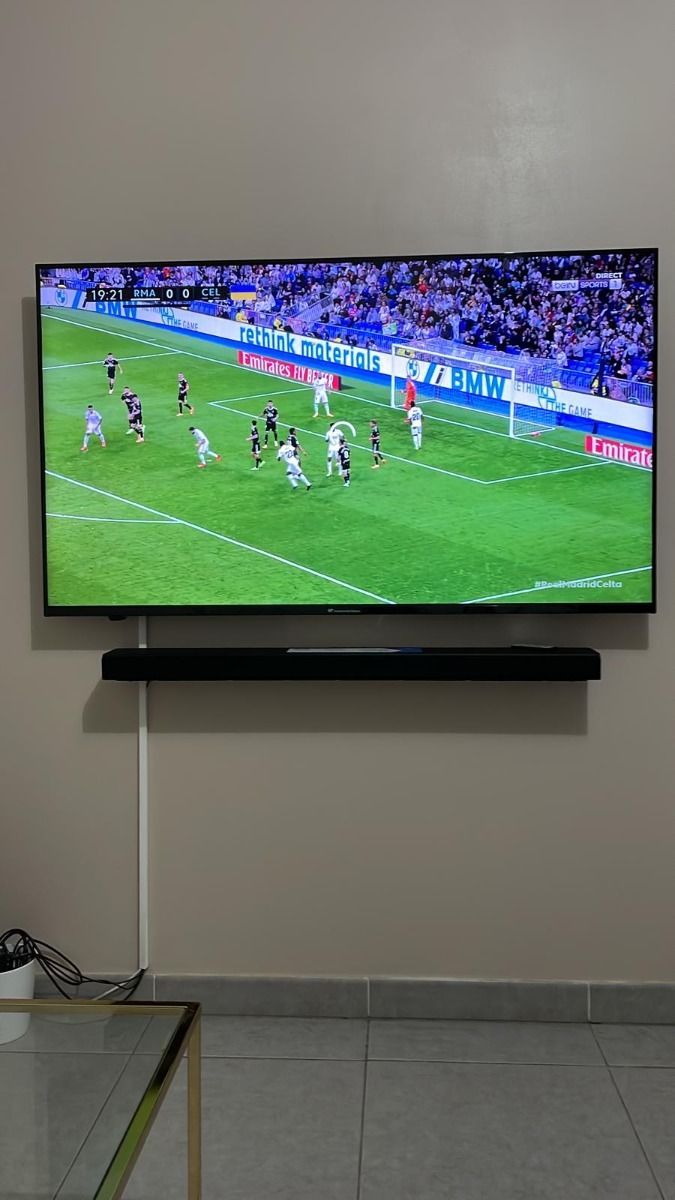
I mostly use TVNado for sports and weekend movies. The annual price made more sense for our household than another cable package.
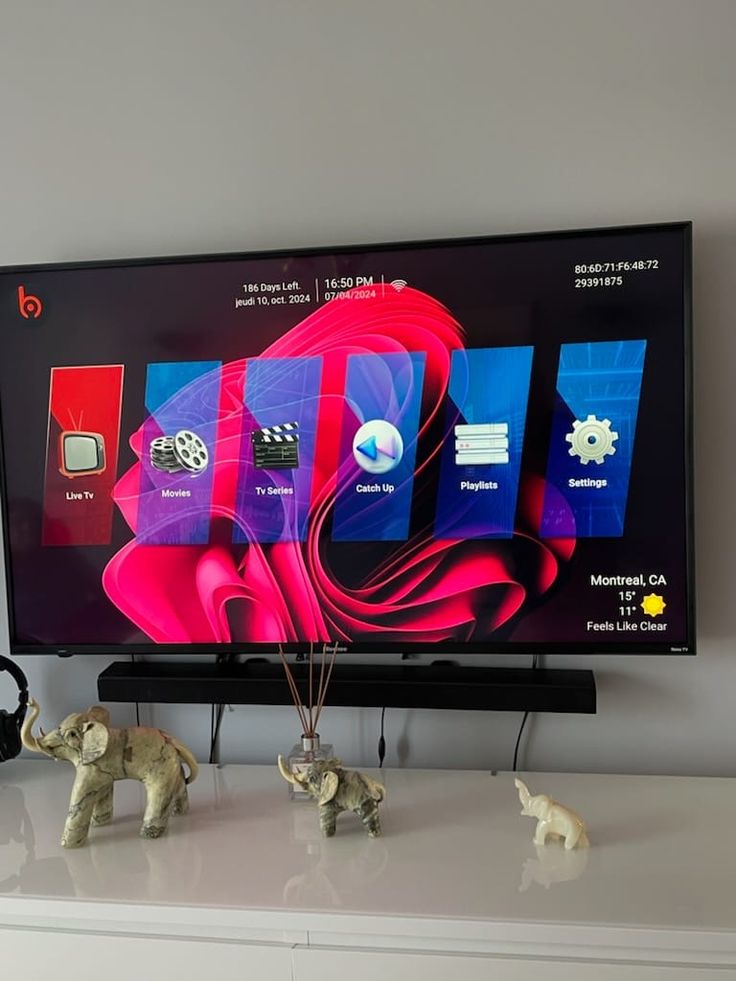
My Smart TV app menu looked different from the guide, but support helped me find the right login screen and refresh the playlist.
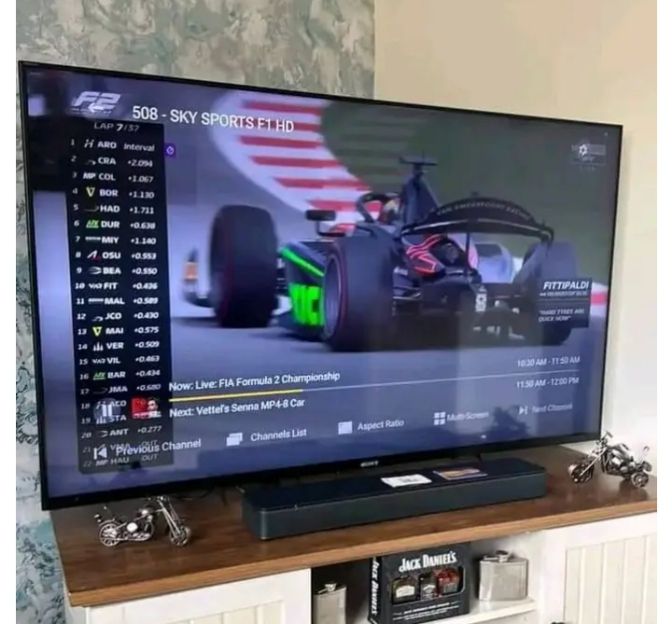
The channel categories are simple enough for daily use. I keep sports, news, and VOD favorites separated so the family can find things quickly.
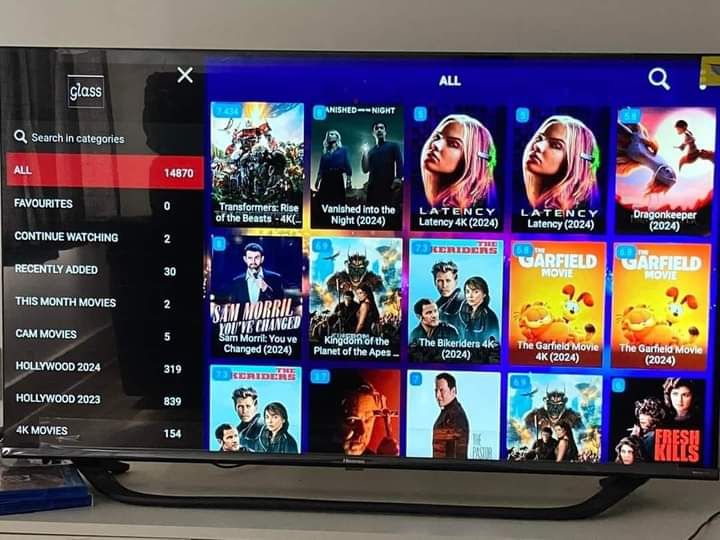
The VOD section is useful when live TV is not what we want. Setup took less time after I sent support my device model.
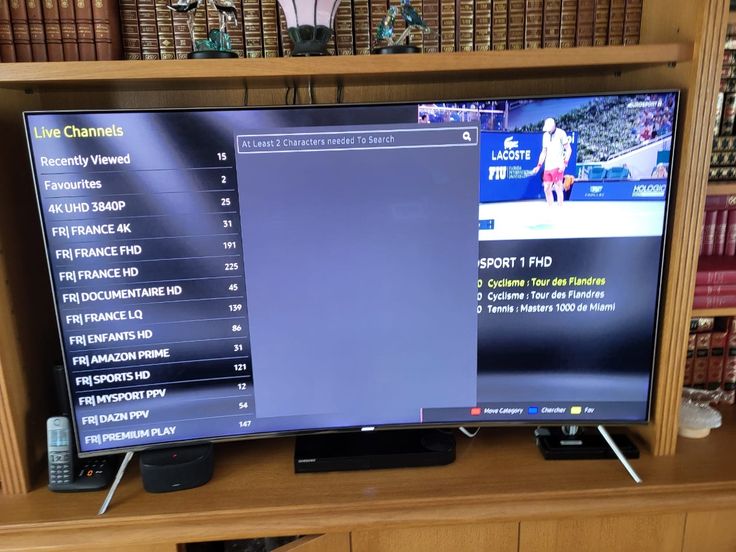
I tested TVNado for a month first, then moved to the longer plan. The pricing page made the per-day value easy to compare.
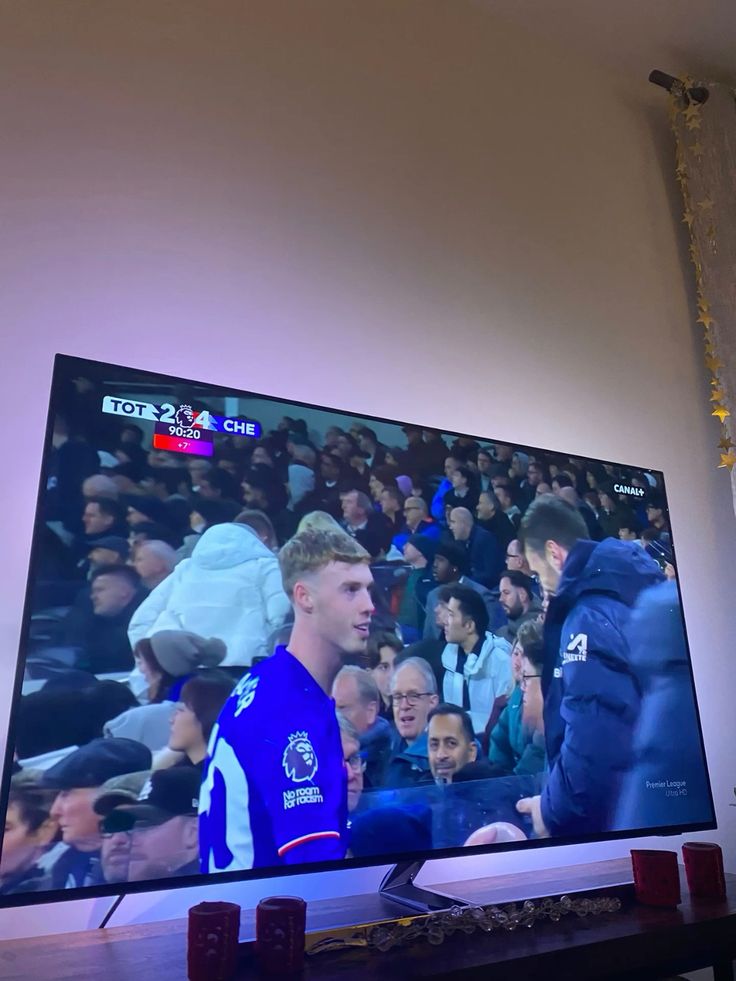
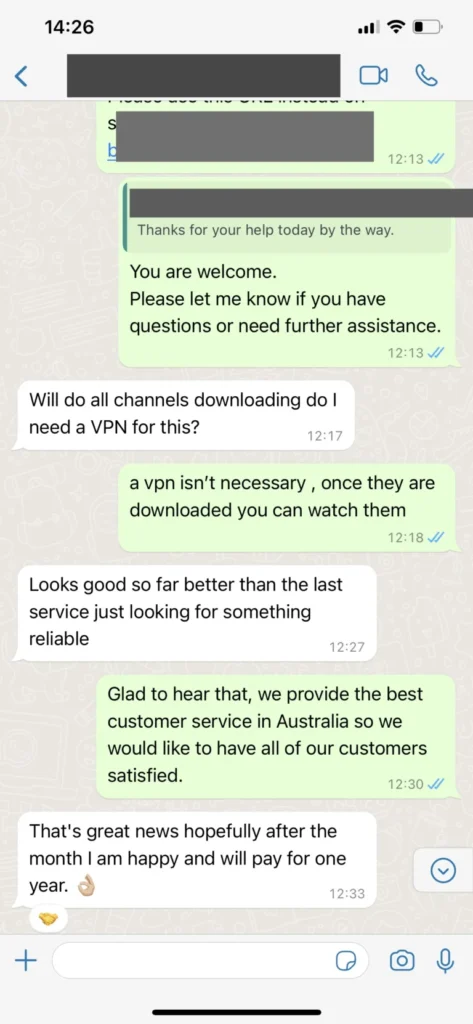
The best part was having support in the same WhatsApp thread. I could ask about app setup and multi-screen options without starting over.
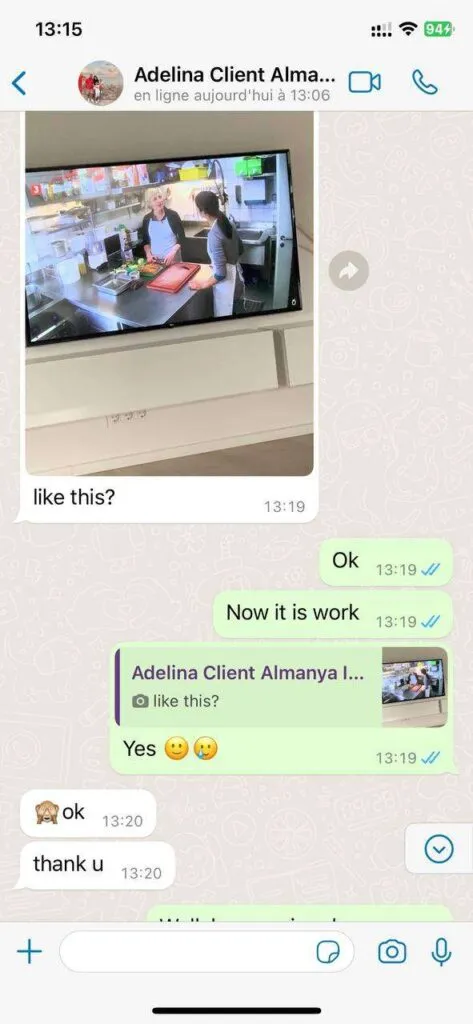
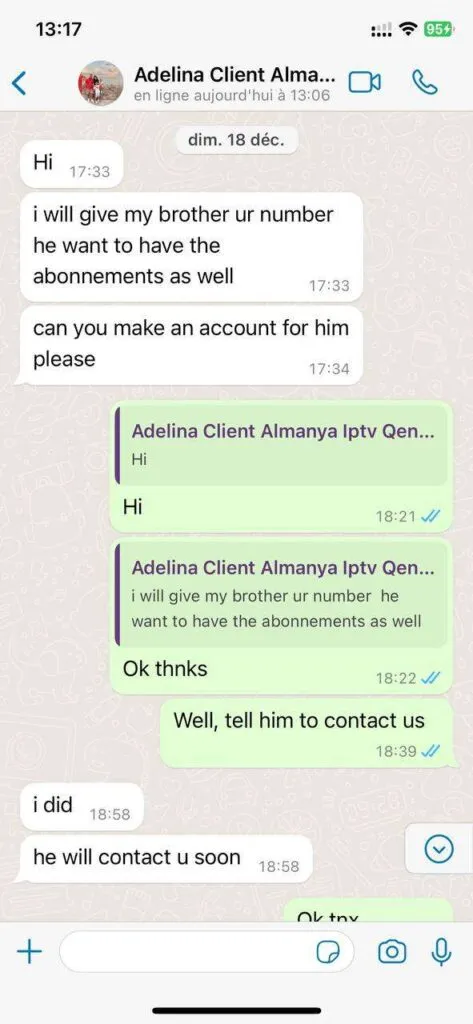
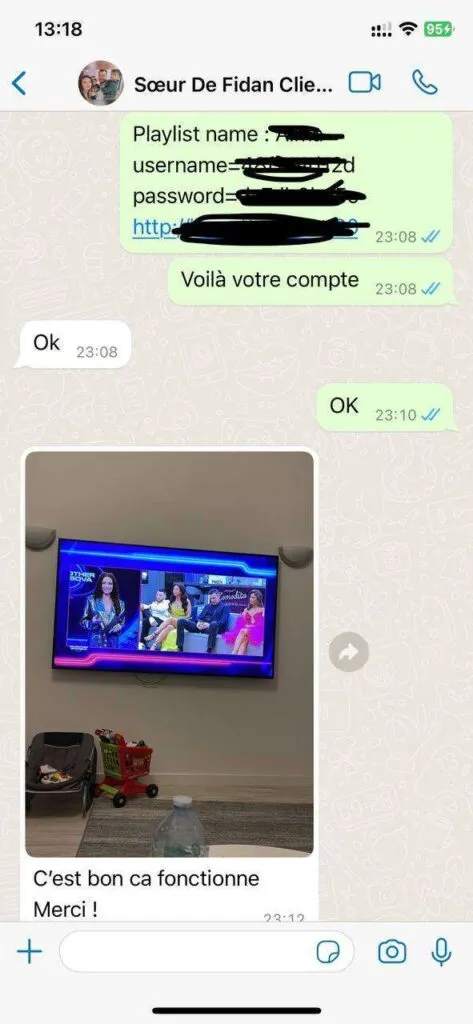
Local WhatsApp screenshots show the kind of plan and setup conversation customers can expect.
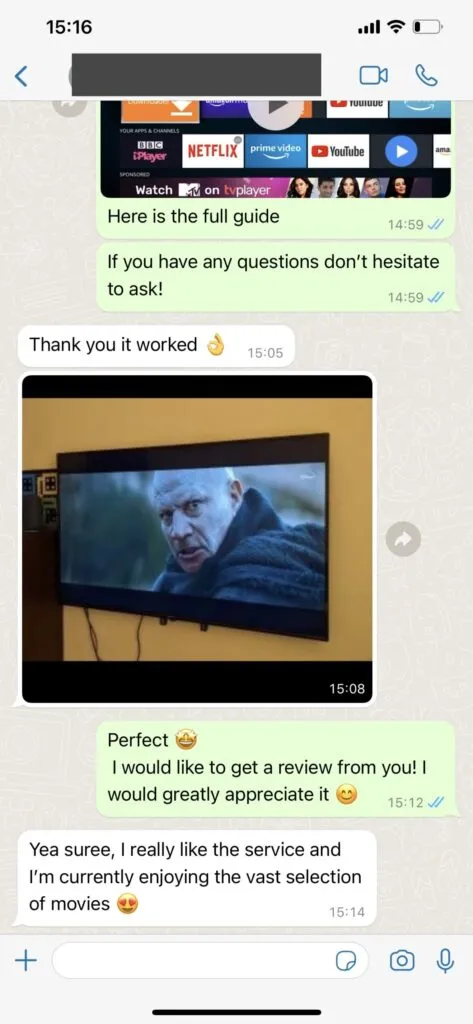
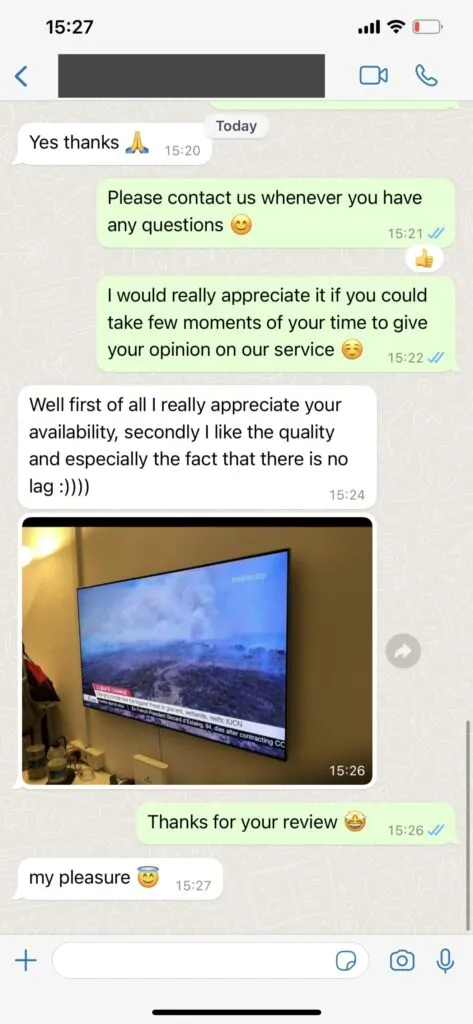
Get a preview of the main service features, then open the full features page for a detailed breakdown.
TVNado organizes a broad live TV lineup for viewers who want news, entertainment, sports, lifestyle, family programming, and international categories in one IPTV setup.
Multi-screen plans help households watch on more than one screen without turning every viewing session into a remote-control argument.
The VOD catalog is built for evenings when live TV is not enough, with movie and series browsing through compatible IPTV apps.
Supported quality depends on your device, app, internet connection, and the stream source, but TVNado plans are prepared for common quality tiers.
TVNado support focuses on practical stability checks: wired connections, app refreshes, nearby routing, compatible players, and clear troubleshooting steps.
The service is presented with stability as a package goal, while still being honest that home network quality and device setup affect playback.
Answers for support, payment, devices, channels, speed, VPN use, and travel.
TVNado support is available through WhatsApp during extended daily support windows. The team can help with plan questions, compatible apps, setup details, playlist refreshes, and basic troubleshooting so customers are not left guessing during installation.
You contact TVNado on WhatsApp, explain the plan or device you want help with, and support replies with the next steps. For subscriptions, the conversation confirms the selected plan before payment and activation details are provided.
TVNado works with many common IPTV setups, including Smart TVs, Firestick and Fire TV devices, Android TV boxes, Android phones, iPhone, iPad, Apple TV, Windows, macOS, MAG-style boxes, Formuler devices, and compatible IPTV players.
TVNado is organized around live TV, sports, news, entertainment, international channels, movies, series, replay-style viewing where available, and on-demand libraries. Exact availability can vary by app, category, and service updates.
For stable HD viewing, a connection around 10 Mbps or higher is a practical baseline. For 4K or busy home networks, 25 Mbps or higher is recommended, and a wired connection often performs better than crowded Wi-Fi.
A VPN is not required for every TVNado user. Some customers choose a VPN for privacy or network routing, while others get better performance without one. If buffering appears only when the VPN is enabled, test a nearby fast VPN location or disable it.
You can use TVNado anywhere you have a compatible device, the right app, and a reliable internet connection. When traveling, keep your login details private and contact support if a hotel, mobile hotspot, or public network blocks streaming apps.
TVNado is structured for people who want clear plan choices, device setup guidance, and straightforward support before they start streaming. The home page now connects the major decisions in one place: channel volume, VOD access, device compatibility, pricing, installation, support, and legal/safety considerations.
Searches such as tvnado, tvnado iptv, tvnado.com, and tvnado .com often come from visitors trying to confirm the right brand, domain, and service context. This site uses consistent branding, canonical URLs, internal links, and local assets so visitors and crawlers can understand the TVNado website without mixed-language folders or old project leftovers.
Before ordering, compare the annual plan with cable costs, confirm your main device, read the installation guide, review the FAQ, and contact support if you need a plan recommendation. A short WhatsApp conversation is usually the fastest way to match a TVNado subscription to your device and screen count.